How to Choose Property Management Software
Step-by-step guide on how to choose property management software for small landlords. Learn how to choose property management software with Property Aura.

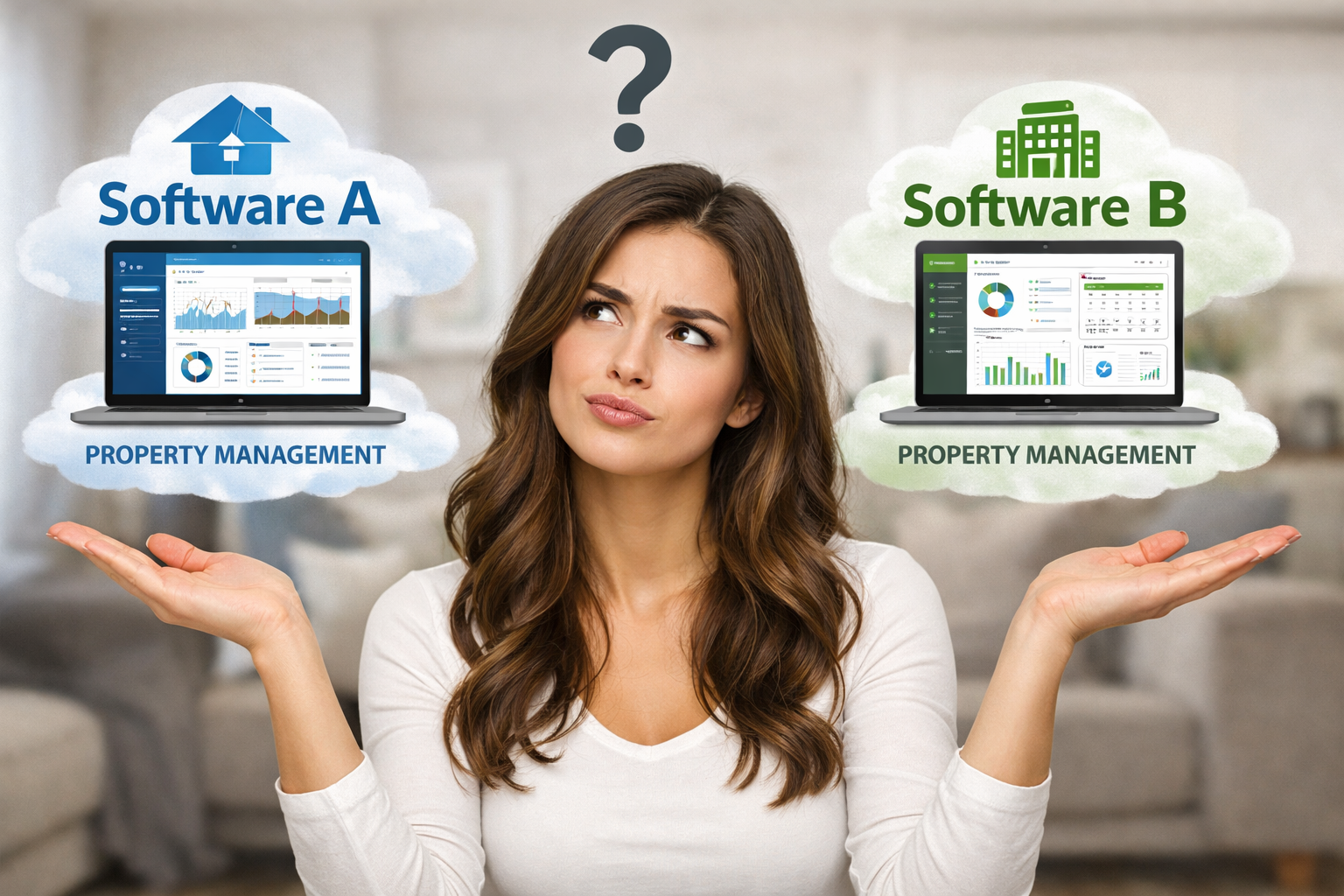
How to Choose Property Management Software
Choosing the wrong software for your rental properties can cost you hundreds of hours and thousands of dollars. According to a 2025 survey by the National Apartment Association, 67% of small landlords who switch property management systems cite "overly complex features" as their primary reason for leaving, while 58% report wasting over 40 hours during failed implementations.
To choose property management software effectively, evaluate your specific property portfolio needs, prioritize essential features like rent tracking and tenant management over enterprise capabilities, test platforms with free trials, and select systems designed for small landlords that offer simple setup without mandatory demos or sales calls.
In this guide, you'll learn:
- How to identify which property management system features you actually need
- The critical questions to ask before committing to any rental management platform
- How to avoid expensive mistakes that trap landlords in unsuitable software
- Step-by-step evaluation criteria for comparing real estate software options
Why Choosing the Right Property Management Software Matters
The difference between the right and wrong landlord software solutions can be dramatic. A 2024 study by Property Management Insider found that landlords using appropriate property management systems save an average of 12.5 hours per month on administrative tasks, reduce late rent payments by 34%, and increase tenant retention by 28%.
On the flip side, choosing overly complex enterprise software designed for 500+ unit operations forces small landlords to navigate features they'll never use. You end up paying premium prices ($100-300/month) for capabilities built for corporate property managers, not someone managing 3 rental units.
The stakes are high. Your property management platform becomes the central nervous system of your rental business—handling everything from tenant communications to tax reporting. Get it wrong, and you'll waste time fighting your software instead of growing your portfolio.
💡 Spending hours on spreadsheets tracking rent payments and expenses? Property Aura automates rent collection tracking, expense categorization, and financial reporting in one simple dashboard. See how it works →
Step 1: Assess Your Property Portfolio and Actual Needs
Before comparing property management software options, get crystal clear on what you actually need. Most landlords make the mistake of choosing based on impressive feature lists rather than their real-world requirements.
Start With These Questions
How many properties do you manage?
- 1-3 properties: You need simple tenant management tools and basic financial tracking
- 4-10 properties: Add automated rent tracking and maintenance logs
- 11-50 properties: Include portfolio-wide reporting and multi-property dashboards
What takes the most time in your current process?
- Tracking rent payments manually → Prioritize automated rent collection features
- Creating financial reports for taxes → Look for tax-ready reporting and Schedule E generation
- Managing maintenance requests → Need maintenance tracking and contractor management
- Tenant communication → Require communication logs and document sharing
What's your technical comfort level? Be honest here. If you're not tech-savvy, enterprise real estate software with steep learning curves will frustrate you daily. According to Software Advice, 72% of small business owners abandon complex software within 90 days of purchase.
Create Your Must-Have Feature List
Based on your answers, categorize features into three tiers:
Essential (Deal-Breakers)
- Rent payment tracking
- Tenant contact information storage
- Basic expense recording
- Document storage for leases
Important (Strong Preferences)
- Automated late payment alerts
- Financial reporting and profit/loss statements
- Maintenance request logging
- Mobile access
Nice-to-Have (Bonuses)
- Advanced analytics and forecasting
- Integrations with accounting software
- Automated tenant screening
- AI-powered assistance
Most small landlords overestimate their needs. Start minimal and expand later rather than paying for unused features from day one.
Step 2: Evaluate Setup Complexity and Time Investment
One of the biggest hidden costs in choosing property management software is the setup and learning time required. Enterprise systems often demand 10-20 hours of initial setup plus ongoing training.
Red Flags for Overly Complex Systems
Mandatory demos or sales calls - If a platform won't let you sign up and explore without talking to sales, it's likely too complex for small landlords. Companies requiring demos are typically selling enterprise solutions that need hand-holding.
Multi-week implementation timelines - Property management software for small landlords should be operational within 24 hours maximum. If the vendor talks about "implementation phases" or "onboarding schedules," run.
Required training sessions - Your rental management platform should be intuitive enough that you can learn it by using it. Extensive training requirements signal poor user experience design.
Look for These Positive Indicators
✅ 5-minute setup claims - Best-in-class platforms let you add properties, tenants, and start tracking in under 10 minutes
✅ Free trial without credit card - Confidence in usability; they know you'll convert after experiencing ease of use
✅ Video tutorials under 3 minutes - Quick tips, not hour-long training courses
✅ Spreadsheet import capabilities - Bring your existing data without manual re-entry
"I switched from a platform that required a 90-minute demo call to Property Aura. Signed up at 9am, had all my properties entered by 9:30am, and was tracking rent by lunch. The difference was night and day." - Mike Thompson, 12-unit landlord
Step 3: Compare Pricing Models and Total Cost of Ownership
Sticker price isn't the full story. When evaluating landlord software solutions, calculate the true total cost including hidden fees, per-property charges, and feature paywalls.
Common Pricing Traps
Per-unit pricing - Starts cheap but explodes as you grow. A system charging $10/unit seems affordable at 3 units ($30/month) but becomes $500/month at 50 units.
Tiered feature restrictions - Basic plans missing critical capabilities force you into expensive tiers. Watch for rent collection, financial reporting, or document storage locked behind $100+ price walls.
Transaction fees - Some platforms charge 1-3% of collected rent on top of monthly fees. On $50,000 annual rent collection, 2% transaction fees cost you $1,000/year.
Support paywalls - "Priority support" as a paid add-on means you'll wait days for help on the basic plan.
Calculate Total Annual Cost
For accurate comparison, use this formula:
Total Annual Cost = (Monthly Fee × 12) + (Per-Unit Fees × Units × 12) + Transaction Fees + Required Add-On Costs
Example comparison:
- Platform A: $29/month + $5/unit (10 units) = $29 + $50 = $79/month = $948/year
- Platform B: $49.99/month unlimited units = $599.88/year
- Platform C: Free for 1 property, $99/month for unlimited = $0 or $1,188/year
Time-Saving Insight: Property Aura users save 12+ hours/month on manual data entry and financial reporting and reduce missed rent payments by 73%. Try free - no credit card required →
Don't Forget Migration Costs
If you're switching from another system, factor in:
- Time to export and import data (2-10 hours)
- Potential data cleaning required
- Overlap period running both systems
Step 4: Test Essential Features With Real Scenarios
Never choose property management software without testing it with your actual workflows. Use the free trial to run real scenarios, not just browse features.
Your 7-Day Trial Testing Checklist
Day 1: Setup and Data Entry
- Add all your properties (time this)
- Import or enter current tenant information
- Upload sample documents (lease, inspection report)
- Overall ease of initial setup
Day 2: Daily Operations
- Record a rent payment
- Log a maintenance request
- Add an expense
- Update tenant communication notes
Day 3: Reporting and Analysis
- Generate a profit/loss statement
- Create a rent collection report
- Export data to Excel/CSV
- Review tax-ready reports and accounting features
Day 4: Mobile Experience
- Access the platform on your phone
- Record an expense on mobile
- View property details and financials
- Overall mobile usability
Day 5: Advanced Features
- Test any AI assistance or automation
- Explore additional tools (calculators, templates)
- Check integration capabilities
- Review security and backup features
Day 6: Support and Resources
- Submit a support question
- Review help documentation quality
- Check response time to inquiries
- Explore training resources
Day 7: Decision Making
- Review ease of use across all tests
- Confirm pricing matches your budget
- Verify all must-have features work well
- Check data export options (exit strategy)
Questions to Ask During Testing
Is this faster than my current method? - If you're not saving significant time, the software isn't worth it.
Did I get stuck or frustrated? - Good tenant management tools feel intuitive. Confusion during testing will compound over time.
Can I access what I need quickly? - Count clicks to common tasks. More than 3 clicks to record rent or view tenant details signals poor design.
Would my spouse/partner find this easy? - If others manage properties with you, the system needs to work for everyone's skill level.
Step 5: Prioritize Software Built for Small Landlords
The property management software market splits clearly between enterprise solutions (100+ units) and small landlord platforms (1-50 units). Choosing software designed for your scale makes all the difference.
Enterprise Software Warning Signs
❌ Features for corporate hierarchy (permission roles, approval workflows, team management)
❌ Integration with enterprise accounting systems (Oracle, SAP)
❌ Talk of "scalability to thousands of units"
❌ Complex customization and configuration options
❌ Annual contracts with penalties for early termination
Small Landlord-Focused Indicators
✅ Explicit focus on individual landlords and small investors
✅ Straightforward pricing under $75/month
✅ Setup measured in minutes, not hours
✅ Features for common small landlord challenges (DIY maintenance, tax reporting, tenant screening)
✅ No long-term contracts; cancel anytime flexibility
The AI Advantage
Leading-edge rental management platforms now include AI assistants specifically trained on landlord needs. This technology provides 24/7 expert guidance on:
- Legal compliance with local landlord-tenant laws
- Maintenance cost estimates and repair priorities
- Financial optimization and tax strategies
- Document drafting (notices, letters, agreements)
An AI landlord assistant effectively gives you an experienced property manager on call without the 10% monthly fee traditional property managers charge.
This head-to-head is one piece of the complete property management software ecosystem.
Step 6: Verify Security, Compliance, and Data Ownership
Your property management system stores sensitive information: tenant Social Security numbers, bank details, lease agreements, and financial records. Security can't be an afterthought.
Minimum Security Requirements
Encryption standards - Look for "bank-level encryption" or specifically AES-256 encryption for data at rest and TLS for data in transit.
Authentication options - Multi-factor authentication (MFA) should be available, even if optional.
Backup procedures - Daily automated backups with point-in-time recovery. Ask how far back you can restore data.
Compliance certifications - GDPR compliance for EU landlords, SOC 2 Type II for US landlords indicates serious security standards.
Critical Data Ownership Questions
Who owns your data? - Confirm in writing that you maintain complete ownership of all entered data.
Can you export everything? - Test the export function. You should be able to download all properties, tenants, transactions, and documents in standard formats (CSV, PDF).
What happens if you cancel? - How long do you have to export data? Some platforms delete everything within 30 days.
Where is data stored? - Cloud storage location matters for compliance. EU landlords may need EU-based servers.
Privacy Considerations
Your tenant management tools should help you comply with privacy regulations:
- Tenant data access controls (who can view sensitive information)
- Secure document sharing with expiring links
- Audit logs showing who accessed what data
- Data retention policies aligned with legal requirements
Common Mistakes When Choosing Property Management Software
Avoid these expensive errors that trap landlords in unsuitable real estate software:
Mistake #1: Choosing Based on Feature Count
More features ≠ better software. Enterprise platforms list 200+ features knowing you'll use 15. Instead, prioritize software that excels at the 10 things you do daily.
Mistake #2: Ignoring Mobile Access
You'll check rent payments, log expenses, and communicate with tenants on your phone. Desktop-only or poorly designed mobile interfaces will frustrate you constantly. Test mobile thoroughly.
Mistake #3: Skipping the Free Trial
Never buy property management software without testing it first. A 7-day trial reveals usability issues no product description can. Any platform not offering free trials lacks confidence in their product.
Mistake #4: Overlooking Integration Needs
Will you need connections to your bank, accounting software like QuickBooks, or e-signature tools like DocuSign? Verify integrations exist and work properly during your trial period.
Mistake #5: Falling for Long-Term Contract "Discounts"
That 20% discount for signing a 2-year contract locks you in. Software that doesn't fit can't be salvaged with persistence. Only commit annually after 6+ months of successful use.
Mistake #6: Choosing Software Your Accountant Can't Work With
If your accountant or bookkeeper can't export data in formats they need, you'll manually recreate reports at tax time. Confirm export capabilities match your accountant's requirements before committing.
How Property Aura Simplifies Software Selection
Property Aura eliminates the complexity of choosing property management software by designing specifically for small landlords managing 1-50 properties.
Built for Your Scale
Every feature serves landlords with small portfolios. No enterprise bloat, no features you'll never use, no complexity designed for property management companies.
5-Minute Setup
Create an account, add your properties, import tenants from a spreadsheet, and start tracking rent—all in under 5 minutes. No demos required, no sales pressure, no waiting for approval.
AI Landlord Assistant
Get instant expert guidance on tenant issues, legal compliance, maintenance decisions, and financial optimization. It's like having an experienced property manager available 24/7.
Free Tier Forever
Manage 1 property completely free with rent tracking, tenant management, expense tracking, maintenance logs, and document storage. Perfect for new landlords or those testing the platform.
Transparent Pricing
Pro Plan at $49.99/month for unlimited properties includes all features with no per-unit charges, transaction fees, or hidden costs. Know exactly what you'll pay.
Tax-Ready Reporting
Generate Schedule E reports and comprehensive tax summaries in seconds. Export to Excel or PDF and hand directly to your accountant.
Frequently Asked Questions
How do I know if I need property management software or if spreadsheets are enough?
If you're managing more than one property or spending over 2 hours monthly on rent tracking and financial calculations, you'll benefit from dedicated landlord software solutions. Spreadsheets work until they don't—then you've lost data, made calculation errors, or can't find critical information quickly. Property management systems prevent these issues and save significant time.
What is the most important feature in a rental management platform?
For most small landlords, automated rent tracking with late payment alerts provides the highest value. Missed or late rent causes the most financial stress, and automatic monitoring ensures you catch issues immediately. Secondary priorities include expense tracking for tax purposes and secure document storage for leases and compliance certificates.
How much should property management software cost for a small landlord?
Expect to pay $0-75/month depending on your portfolio size and feature needs. Platforms charging $100+ monthly typically target larger property management companies with enterprise requirements you don't need. Many quality systems offer free tiers for single properties and unlimited property plans around $50/month. Avoid per-unit pricing models that become expensive as you grow.
When should I upgrade from free to paid property management software?
Upgrade when you add a second property, need advanced financial reporting for tax preparation, or want AI-powered assistance with landlord decisions. Most landlords find value in paid plans once managing 2+ properties due to time savings on portfolio-wide reporting and automated features that free plans restrict.
Why is choosing property management software designed for small landlords better than enterprise options?
Small landlord-focused platforms provide exactly what you need without overwhelming complexity. Enterprise real estate software includes features for corporate hierarchies, approval workflows, and integrations with systems you don't use. This complexity increases learning time, raises costs, and makes simple tasks unnecessarily difficult. Software designed for your scale respects your time and budget.
Key Takeaways
- Evaluate property management software based on your specific portfolio size and actual daily needs, not impressive feature lists
- Test platforms thoroughly with free trials using real scenarios before committing to paid plans
- Prioritize systems designed for small landlords (1-50 properties) over enterprise solutions built for property management companies
- Calculate total cost including monthly fees, per-unit charges, transaction fees, and required add-ons
- Verify strong security, data ownership rights, and easy export capabilities before selecting any rental management platform
- Choose software with simple setup (under 10 minutes) that doesn't require demos or extensive training
- Consider AI-powered platforms that provide expert landlord guidance and automate complex decision-making
Next Steps
Now that you understand how to choose property management software, take these actions:
- List your must-have features using the assessment in Step 1
- Identify 2-3 platforms designed for small landlords to test
- Run free trials using the 7-day testing checklist in Step 4
- Calculate total annual costs for accurate comparison
- Make your decision based on ease of use, time savings, and value
Remember: the best property management system is the one you'll actually use consistently. Simplicity and reliability beat feature-rich complexity every time.
Ready to Streamline Your Property Management?
Join 1,500+ landlords using Property Aura to:
- ✅ Track rent, expenses, and maintenance in one simple dashboard
- ✅ Generate tax-ready financial reports in seconds
- ✅ Get 24/7 AI-powered guidance on tenant issues and legal compliance
"Property Aura replaced hours of spreadsheet work with automatic tracking and reporting. The AI assistant answers questions instantly that used to require expensive consultant calls." - Sarah F., 4-unit landlord
Ready to streamline your property management? Try Property Aura free and automate rent tracking, expense categorization, and financial reporting efficiently.
Related Topics
Related Articles
How to Calculate Cap Rate on a Rental Property (2026 Guide for Small Landlords) A cap rate is a rental property's net operating income divided by its
How to Legally Evict a Tenant: A Step-by-Step Guide for Small Landlords To evict a tenant legally, serve a written notice (pay-or-quit or cure-or-quit

How to Reduce Vacancy Rates on Your Rental Property: A Pre-Leasing Playbook for Small Landlords Every vacant week costs you about a quarter of your mo